

There is no single fourth rule of email etiquette. The number depends on whose list you are reading. In Grammarly's email etiquette guide, rule four is to include a greeting. In Microsoft's Outlook writing guidance, the fourth item is to change the subject line when the conversation moves to a new topic. Both are useful, but they solve different problems: one helps you open a message appropriately, while the other helps readers follow a changing conversation.
In short: Check the source before repeating a numbered “rule.” When you start a professional email, use a greeting that fits the recipient and relationship. When a thread changes subject, give the new topic a descriptive subject line so the next message is easy to recognize and find.
Why the fourth rule differs from one list to another
Email etiquette is a set of habits for making messages clear, considerate, and usable. The published guides compared here do not use one shared sequence. Some organize advice around the parts of a new email; others focus on managing an ongoing inbox. Number four therefore describes a position in a particular list, not the fourth step of every professional email.
Consider two published examples:
Grammarly's fourth item: include a greeting. Its email etiquette guide addresses how a message begins. Use this default when opening a new email, especially with someone who does not know you.
Microsoft's fourth item: change the subject when the topic changes. Its Outlook writing guidance addresses an ongoing conversation. Use it when an old subject would mislabel a new question or decision.
The two recommendations are compatible. A new conversation may need both a suitable greeting and a descriptive subject. In a rapid exchange with a colleague, a repeated greeting may add little. And changing a subject on every reply would make one topic harder to track. The context determines which action helps the reader.
Other reputable email guides order their advice differently. Purdue OWL's email etiquette guidance discusses meaningful subject lines, greetings, direct short paragraphs, tone, and signatures without presenting one universal fourth rule. If someone quotes “rule four,” ask which guide they mean before treating it as a standard.

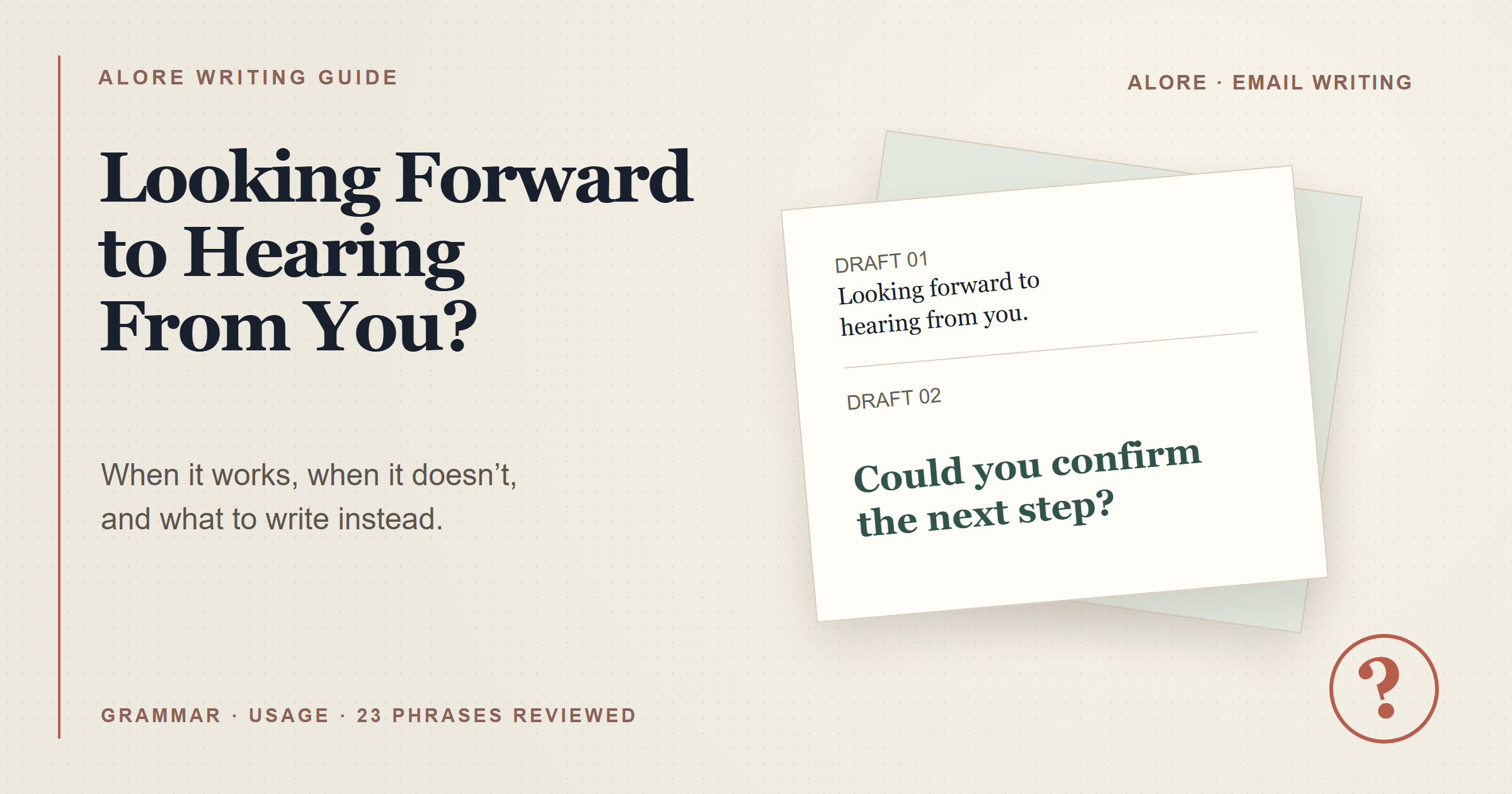
If the list means “include a greeting,” what should you write?
A greeting tells the recipient who the message is for and sets a level of formality. A first message to an external contact should normally include one. Choose it from the relationship you actually have, rather than guessing intimacy or a title.
For example, choose the opening that fits your situation:
- “Hello Jordan,” for a first professional contact when you know the person's name but not their preferred title.
- “Dear Jordan Lee,” for a more formal situation.
- “Hi Jordan,” for a familiar colleague.
- “Hello hiring team,” when you do not know a name but do know the recipient's role.
These are examples, not required formulas; your organization and the recipient's own tone may call for another choice.
The greeting does not carry the email's purpose by itself. Put the reason for writing in the next sentence, then make the requested action clear. Compare these fictional openings:
Hard to act on: Hello Jordan, I hope you are well. I wanted to reach out about a few things and see if we could connect.
Easier to act on: Hello Jordan, I’m following up on the CRM migration estimate you requested yesterday. Could you confirm whether the sales team also needs historical activity imported?
The second opening identifies the existing request and asks for one concrete detail. It works because the sender has a legitimate reason to contact Jordan. The greeting simply gives that message a respectful start. For a fuller model, see one annotated professional email format.
Do you need a greeting in every reply? The sources differ here too. Grammarly says every email should open with an appropriate greeting. Purdue OWL says people who have already exchanged messages on the same subject can usually omit greetings in follow-ups.
For a new email, use one. In an active exchange of short answers, judge whether it helps. If the thread has been dormant, new people have joined, or your reply is a substantial new request, a brief greeting can reset the context.
If the list means “change the subject,” when should you do it?
The subject should tell readers what the message is about. If the topic genuinely changes, keeping the old subject can mislead recipients and make the new decision difficult to find later. Microsoft's fourth writing tip advises changing the subject in that situation. UW–Madison's workplace email guide likewise recommends a detailed subject that expresses the point of the message, and a new subject when a reply starts a new topic.
Imagine an email thread titled “Tuesday demo agenda.” The demo is over, and a teammate now needs to know which policy to cite in a vendor's security questionnaire. A reply under the old subject hides the new question. Start a new message titled “Security questionnaire: which retention policy should we cite?” and explain the connection: “Following Tuesday's demo, the vendor sent its security questionnaire. I am drafting the data-retention answers. Which current policy should I use for that section?” If a real deadline exists, state it in the message and, when useful, in the subject. Do not invent urgency just to make the subject look action-oriented.
Keep the existing subject when you are still resolving the same question. If the thread remains about the Tuesday demo's agenda, renaming it after every clarification scatters the history. The decision is whether someone scanning the inbox would reasonably expect this new message under the old label. If not, use a new, specific subject and carry over only the context the reader needs.
A new topic may also require a new recipient list. Starting a fresh message lets you avoid exposing a previous thread's participant list or unrelated details to people who only need the new decision. If the earlier exchange matters, summarize the relevant conclusion instead of forwarding the whole history by default.
Here is a complete fictional follow-on email after the demo agenda has closed:
Subject: Security questionnaire: which retention policy should we cite?
To: Maya Chen, security leadHello Maya,
Following Tuesday's demo, the vendor sent its security questionnaire. I am drafting the data-retention answers. Which current policy should I use as the source for that section?
Thanks,
Jordan
The new subject reflects the new question, and Maya is the person who can identify the policy source. She can answer without an unseen attachment. Once Jordan has drafted the answers, a separate review request should give Maya access to the actual section and state what decision is needed. No response deadline is invented here.
Check recipients at the same moment. Changing topics can change who needs the message. Microsoft advises putting people who must respond in To and those who only need awareness in Cc, and limiting the distribution.
A reply to all is appropriate only when everyone needs the new answer or decision. If one person's input is enough, send it to that person and summarize back to the group when necessary. This prevents a well-labeled subject from becoming an unnecessary group notification.
What to check before sending a professional email
The useful lesson behind both fourth entries is to make the message easy for this recipient to understand and act on. Before sending, run a short check:
- Recipient: Is the person in To the one who can answer or act? Does everyone in Cc need visibility? Remove anyone who does not need the message. Check names and addresses before an external send.
- Subject: Does it describe the current topic and, when needed, the requested action? If this is a new topic, start a new thread or update the subject and include context.
- Opening: Does the greeting fit a new contact or a continuing exchange? Does the first sentence explain why this person is receiving the email? If the reason is a previous interaction, name it accurately.
- Body and ask: Can the reader find the request, required information, and any real date without searching through a long block? If there are several decisions, separate them visibly.
- Send check: Are named attachments or links present and accessible? Is the tone appropriate if the note is forwarded? Read it once for errors and accidental claims.
This is a practical send check, not a new canonical list of numbered etiquette rules. A two-sentence internal update may need less structure than a first external request. For a first-contact message, see how to start an email with a real reason.
One countercase: Your teammate answers a question about the rollout's start date. Keep the current subject and reply directly to the point. If the exchange is already active, a new greeting may add little. The topic and recipient have not changed, so neither of the two fourth entries requires a new subject or a fresh formal opening.
Frequently asked questions
Is the 4th rule of email etiquette always the same?
Ask for the guide or link. If the advice concerns opening a new message, they may mean a greeting, as in Grammarly's list. If it concerns a conversation that has changed direction, they may mean a new subject, as in Microsoft's list. Apply the source's wording to the situation rather than carrying its number into a different list.
Is the fourth rule always to include a greeting?
No. That is Grammarly's fourth entry, not a fixed position in every guide. A greeting is usually helpful in a new professional message; brief replies in an active conversation may not need a repeated one.
Should I change the subject when replying to an email?
Change it when the reply begins a genuinely new topic and the old label would mislead someone scanning or searching for the message. Keep the subject when you are still working through the same question. Include enough context so recipients know why the new message reached them.